How to Password-Protect a PDF Before Emailing It
Secure your PDF documents instantly with Allypdf. Add military-grade encryption and password protection for free directly in your browser. Your files never leave your device, ensuring absolute privacy and a zero-server footprint.
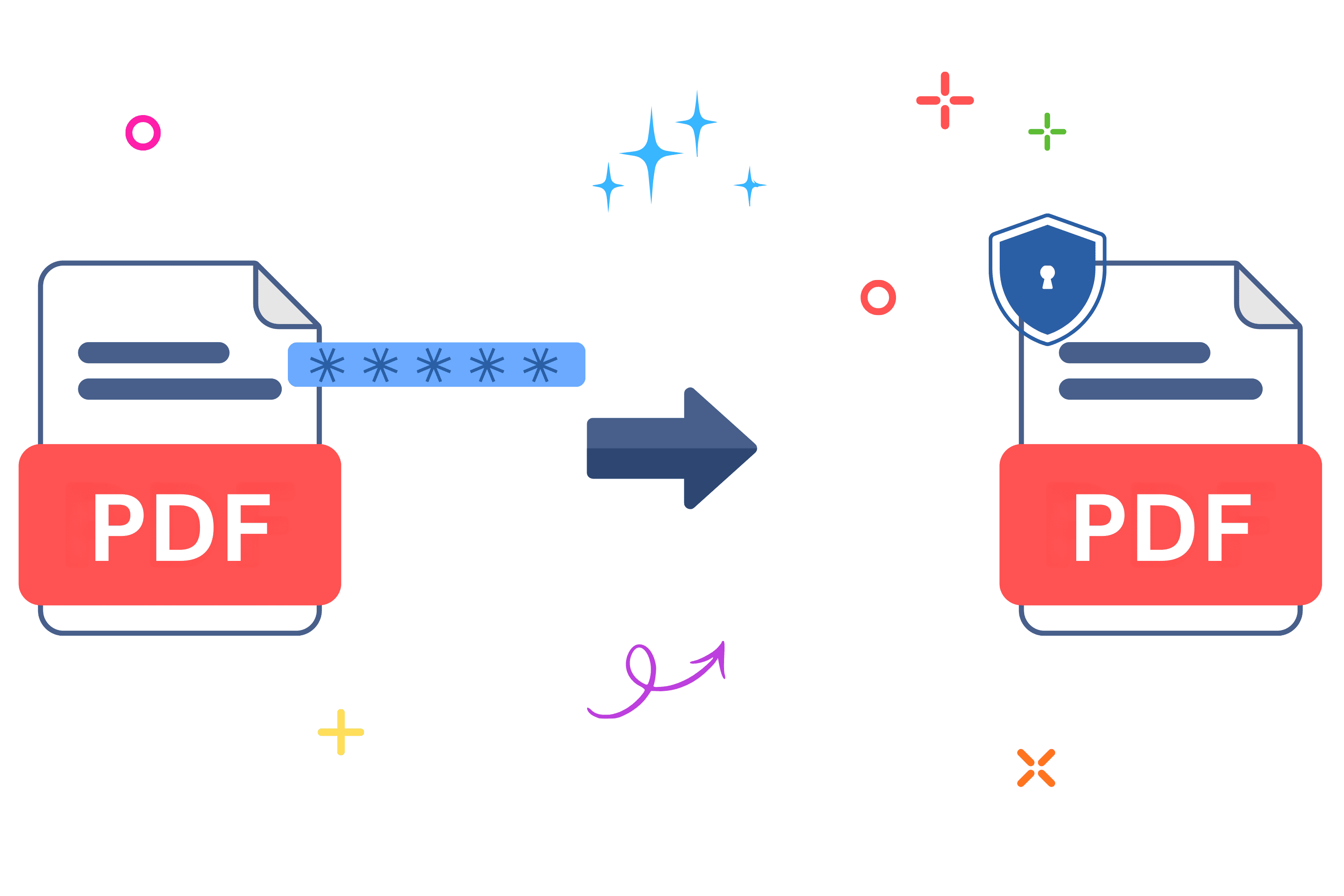
How to Password-Protect a PDF Before Emailing It
Ever felt that split-second panic after sending a sensitive document, wondering if you just exposed confidential data? Honestly, we've all been there. When you need to protect PDF files with military-grade security, you usually face a frustrating choice: pay for expensive desktop software or upload your private data to a random cloud server. That's where things get risky. If you want to protect PDF documents the right way, you need a solution that prioritizes your privacy first. And unlike tools that upload your files to their servers, Allypdf processes everything right in your browser. Let's walk through everything you need to know.
What Does It Mean to Protect PDF Files?
Basically, to protect PDF files means applying an encrypted lock so only authorized people can open, read, or edit the contents. Think of it like putting your physical documents into a titanium safe with a highly complex combination lock, rather than just leaving them in a sealed paper envelope on your desk.
Because Allypdf uses local browser-based processing, we weld that safe shut right on your own device, meaning nobody else can intercept it. When you protect PDF documents, you're taking absolute control of your digital footprint. Look, it's not just about stopping hackers; it's about setting firm boundaries on who can see your personal information. Real-world situations pop up every day where this level of security isn't just nice to have—it's absolutely mandatory. Here is who relies on this daily:
- Students: Need to submit a massive thesis or original research data? You can lock your document before emailing it to your professor to ensure your hard work isn't casually copied by peers.
- Freelancers: Sending a high-value invoice or a proprietary project proposal? Lock it down so only the paying client gets access to your specific pricing and strategy details.
- Small businesses: Sharing quarterly financial statements with investors is risky if they accidentally forward them around. Secure those sensitive numbers before they ever leave your outbox.
- Legal professionals: Sending confidential case briefs or discovery files? You need absolute certainty, and utilizing proper encryption ensures you're maintaining PDF/A compliance preservation while securing the document for official court submission.
- Job seekers: Got a portfolio full of copyrighted designs or a resume plastered with your home address and phone number? Don't just blast that out unprotected.
- Real estate agents: Property disclosures, earnest money receipts, and signed closing contracts are absolute goldmines for identity thieves. Secure them tightly before emailing them to the title company.
- Healthcare providers: When transferring sensitive patient medical records or insurance claims, you simply can't risk a data breach. Securing these files locally ensures maximum privacy and helps maintain strict compliance.
At the end of the day, when you take a few seconds to protect PDF documents, you're ultimately buying peace of mind.
Why Use an Online Tool to Protect PDF Files Instead of Software?
If you need to protect PDF files quickly, downloading heavy, expensive desktop software just doesn't make sense anymore. Honestly, the smartest, fastest way to protect PDF documents today is right from your web browser. Let's look at why ditching the old-school installations is the way to go.
- Start immediately: No massive downloads, no installation wizards, and definitely no waiting around. Honestly, just open your browser and protect PDF files in seconds.
- Keep storage clean: Traditional software packages eat up gigabytes of your hard drive. Browser tools like Allypdf? They operate with a zero-server footprint and leave your computer's storage exactly as it was.
- Work anywhere: Coffee shop, office, home, or the airport—if you've got an internet connection and a web browser, you can protect PDF documents on the fly. You're never tied to one specific desk.
- Auto-updates: No annoying "Update available" pop-ups interrupting your workflow. The tool's always current with the latest cryptographic standards without you lifting a single finger.
- Universal compatibility: It works flawlessly on Windows, Mac, Linux, Chromebook, iPhone, and Android. Basically, if your device runs a modern browser, you can protect PDF files effortlessly.
- Privacy and security: Here's the big one. Allypdf processes files directly in your browser using client-side technology—your PDFs never touch our servers. That's completely different from tools like iLovePDF or Smallpdf, which make you upload your highly sensitive files to their cloud systems before doing anything. With us, your data stays on your device. Period.
Ultimately, you get a completely zero-friction experience that respects both your time and your data.
How to Protect PDF Files with Allypdf (Step-by-Step)
Look, Allypdf makes this process pretty painless. Three steps, maybe two minutes tops. No account creation, no email verification, no 'upgrade to continue' walls. Before you begin, if you realize you need to make a quick text change, you can easily use our free PDF editor first. Otherwise, we can get straight to locking things down.
When you need to protect PDF files fast, we've completely eliminated the usual frustrating bottlenecks. You don't need a tech degree to protect PDF documents securely; just grab your file and follow along with these straightforward instructions.
Step 1: Upload Your PDF Files
Getting started is incredibly simple. You can drag and drop your files right from your computer, or pull them in directly from your mobile device and cloud storage. If your files aren't in PDF format yet, you can use Allypdf's converter tools to get them ready first. Look, we want to make this as effortless as possible.
Here is the most important part: when you upload to Allypdf, you're not actually sending files to a server. The tool simply loads them into your browser's memory—think of it like opening a document in Word, except it never leaves your computer. This means when you protect PDF files with our platform, nobody else ever sees them. Whether you need to protect PDF documents from your phone or desktop, your privacy is guaranteed from the very first click.
Step 2: Configure Your Security Settings
Once your document is loaded into the visual drag-and-drop interface, you'll see a clean, simple settings panel. This is where you actually protect PDF files by entering your desired password and locking down specific permissions. Take a second to get this right because nobody wants to redo it—especially if you're rushing to send an urgent contract to a client.
Here's a technical detail most competitors completely ignore: applying heavy encryption shouldn't break your document's underlying structure. Allypdf's robust client-side processing preserves your original formatting—including embedded fonts, interactive form fields, and hidden accessibility tags—so what you see is exactly what you'll get. You can securely protect PDF documents without accidentally ruining the layout or destroying your hard work.
Step 3: Protect and Download Your Secured File
Got your password typed in? Perfect. Now just click the final button. Because everything happens locally in your browser, there's no upload time, no waiting in a queue, and absolutely no 'processing on our servers' delay. Hit the button to protect PDF files and it's done instantly. Your browser does all the heavy lifting.
And honestly, don't sweat messing up your original draft. Your original files stay completely unchanged exactly where they were on your hard drive; the tool just generates a brand new, encrypted copy for you to save. Now you've successfully learned how to protect PDF documents the smart, private way.
[Image alt text: Step-by-step screenshot showing how to protect PDF files online with Allypdf's browser-based interface—no server upload required]
Is It Safe to Protect PDF Files Online with Allypdf?
This is probably the question on everyone's mind, and honestly, it's a smart thing to worry about. Most online PDF tools—iLovePDF, Smallpdf, even Adobe's online services—work by uploading your files to their servers. That means your documents pass through their systems, get processed on their machines, then get sent back to you. Allypdf works differently when you need to protect PDF files.
Allypdf uses client-side JavaScript processing with modern browser technology. That means when you protect PDF documents with our platform, everything happens right in your browser tab. The file literally never leaves your device. No upload. No server storage. No cloud transfer. Your data stays on your machine—period.
- Zero-server footprint: Allypdf doesn't store, log, or even see your files. The technology architecture makes server storage impossible—there's nothing to upload to. This gives you end-to-end privacy that competitors simply can't match.
- No account required: Unlike tools that collect your email, create profiles, and track usage, Allypdf requires zero personal information. No sign-up, no tracking cookies, no behavioral data collection.
- GDPR and CCPA compliant by design: Because your files never leave your device, Allypdf inherently meets the strictest global privacy standards—Europe's GDPR and California's CCPA. You're not trusting a company's privacy policy; you're using technology that makes data collection mathematically impossible.
- Suitable for confidential documents: Tax returns, legal contracts, medical records, NDAs—if you wouldn't email it unencrypted, you can still securely protect PDF files with Allypdf. Device-only processing means even we can't access your files.
Learn more about how Allypdf protects your privacy. For organizations with strict compliance requirements, Allypdf's zero cloud upload architecture means sensitive files never cross security boundaries, giving you the ultimate peace of mind when you protect PDF data.
Key Benefits of Allypdf's Protect PDF Tool
What actually makes this tool worth using? Let's break it down.
- Completely free: No hidden costs, no "upgrade to Pro" upsells, and no feature limits. You can protect PDF files without ever opening your wallet.
- No sign-up required: Competitors make you create accounts to "unlock" basic features. Allypdf? Just use it. No email, no password, no verification codes.
- Works on everything: Windows, Mac, Linux, Chromebook, iPhone, Android—if it runs a modern browser, you can protect PDF documents instantly.
- Unlimited usage: No "3 files per hour" restrictions like you'll find on iLovePDF or Smallpdf. Process 5 files, 50 files, or 500 files—it makes no difference to us.
- Instant processing: Because there's no upload/download cycle, latency-free execution means you get results immediately. Your browser does the work at full speed.
- No watermarks: Your output files are perfectly clean. No annoying "Created with Allypdf" branding, and absolutely no "Upgrade to remove this message" stamps across your pages.
- Quality preserved: You can protect PDF files without losing resolution, images, or formatting. The browser-based processing maintains everything—even embedded fonts and complex interactive form fields.
- Batch processing capability: Need to lock down a dozen files? Upload multiple documents at once. Competitors often lock this behind strict paywalls, but Allypdf includes it for free.
By the way, if you ever need to go the opposite direction and pull pages out of a massive file, check out Allypdf's split tool—it uses the exact same privacy-first, browser-based approach.
When Should You Protect PDF Documents?
Knowing exactly when to protect PDF documents can actually streamline your workflow more than you'd think. Here are a few everyday situations where a quick lock makes all the difference:
- Before client presentations: Instead of sending an open proposal that anyone can edit or alter, lock it down. It looks more professional and prevents unauthorized changes before the big meeting.
- Tax season preparation: Sending W-2s, 1099s, and bank statements to your accountant? That's a massive risk. This is especially important when using Allypdf—your financial documents never get uploaded to a third-party server.
- Job applications: You're likely sending out resumes plastered with your home address and personal phone number. Secure your portfolio so automated scraping bots can't easily harvest your personal data.
- School projects: Submitting original research? Lock the file to prevent unauthorized copying. Bonus: our encryption maintains PDF/A compliance if your institution requires it for long-term archiving.
- Legal document filing: Courts and clients require absolute confidentiality. You can protect PDF exhibits and briefs while keeping sensitive legal materials entirely on your own device.
- Real estate transactions: Property disclosures, inspection reports, and closing contracts are prime targets for fraud. Lock them down before emailing buyers or sellers.
- Medical records compilation: When switching doctors or getting second opinions, device-only processing means HIPAA-sensitive records stay completely private. Nobody sees them but you and your doctor.
Basically, anytime you're sharing a file containing personal data, ask yourself if locking it first would make you sleep better at night. Usually, yes.
Common Mistakes to Avoid When You Protect PDF Files
Even when the tool's incredibly simple, people still mess things up sometimes. If you're going to protect PDF files today, here's what you need to watch out for.
- Wrong security settings: Triple-check your permission toggles before you protect PDF files, so you don't have to redo it.
- Using weak passwords: "Password123" won't stop anyone; always use a complex phrase.
- Losing the original: Keep an unprotected backup stored locally just in case you forget the password you just set.
- Skipping final review: Always download and open your newly locked file to ensure the password actually works before sending it.
- Generic filenames: Name it "Contract-Locked.pdf" instead of just "protected.pdf" so your future self can easily find it.
- Ignoring hidden metadata: Remember that even when you protect PDF content, hidden author metadata might still be visible to search engines.
- Ignoring file size: Consider using Allypdf's compression tool before applying encryption if you need to meet strict email attachment limits.
- Locking collaborative files: Browser-based processing keeps things perfectly private, but don't forget to securely share the password with your team through a separate channel.
Frequently Asked Questions About Protect PDF Tools
Can I Protect PDF Files for Free?
Yep, Allypdf is completely free with zero usage caps. Unlike Smallpdf or iLovePDF, which restrict free users to a few operations per hour, you can protect PDF files all day without hitting annoying paywalls.
Is There a File Size Limit to Protect PDF Documents?
The only limit is your device's memory. Because Allypdf uses browser-based processing, there's no arbitrary server-side restriction like you'd find with upload-based tools.
Are My Files Stored When I Protect PDF Online?
No, never. Allypdf's client-side architecture means files never get uploaded. When you protect PDF files, encryption happens entirely via local JavaScript processing, meaning your data literally never leaves your device.
Does the Protect PDF Tool Work on Mobile Devices?
Absolutely. As long as you're using a modern mobile browser, you can seamlessly protect PDF files right from your iPhone, iPad, or Android phone.
Can I Protect PDF Files That Are Already Password-Protected?
If you know the password, yes; just unlock it first. Otherwise, no tool can help, which honestly just proves the protect PDF encryption actually does its job.
What Happens to Originals When I Protect PDF Documents?
Nothing at all. When you protect PDF files, Allypdf simply generates a new encrypted copy, leaving your original files completely unchanged on your hard drive.
Can I Protect PDFs with Specific Restrictions?
Yes, you aren't just adding an open password. When you protect PDF documents, you can explicitly block actions like printing, editing, or text copying.
Will Protecting Affect PDF Quality or Formatting?
No. The browser-based processing preserves everything—resolution, embedded fonts, hyperlinks, and form fields. You can securely protect PDF files without degrading quality whatsoever.
To protect PDF files doesn't need to be risky. Allypdf handles it directly in your browser using client-side processing technology. No uploading your files to someone else's servers. Your documents stay strictly on your device. Period. Honestly, when you protect PDF data here, privacy is absolute.
Whether securing proposals or invoices, you can protect PDF files instantly. No 'create account to continue' interruptions. No 'upgrade to Pro' walls. No 'verify your email' delays. Just upload, protect PDF documents, and download. Done.
Avoid the risks of uploading sensitive files to cloud-based platforms that rely on remote server storage. Allypdf offers a technically superior approach. Start to protect PDF documents right now—it's private by design. Your files literally never leave your device. Try our tool to securely lock your files. Join users choosing the zero-server footprint alternative over traditional upload-based platforms. Securely protect PDF files today.
Tags: Allypdf, PDF security tool, client-side encryption, edit PDF permissions, encrypt PDF online, free PDF locker, lock PDF file, password protect PDF, protect PDF, secure PDF document, zero-server PDF